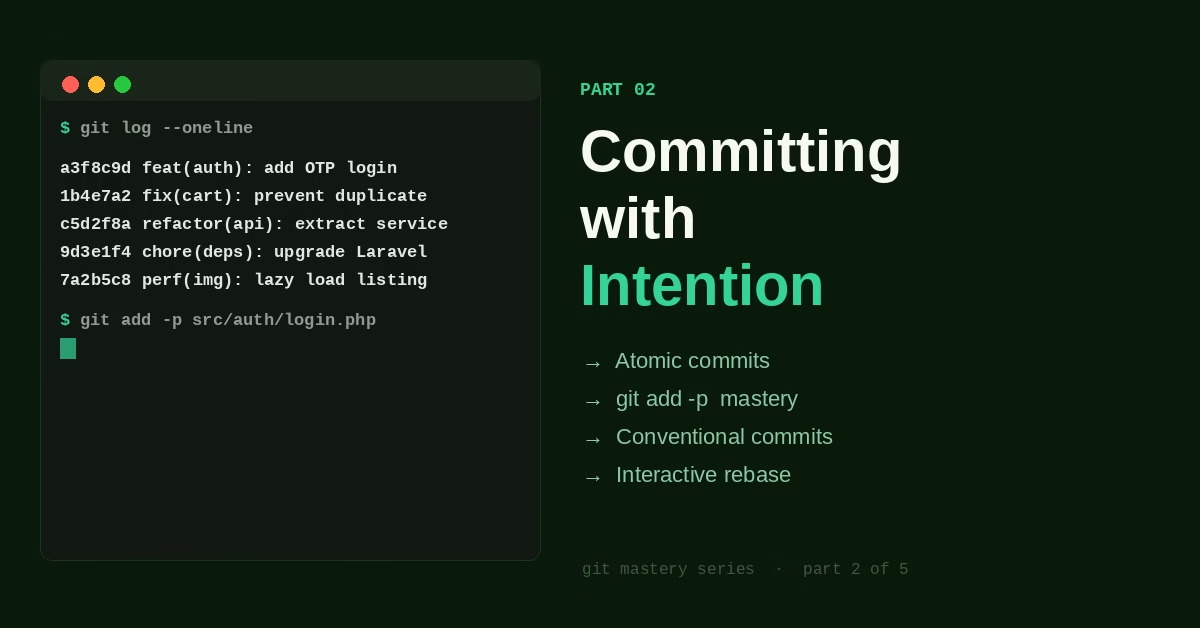
Committing with Intention: The Art of a Good Commit

Part 2 of the Git Mastery Series
← Part 1: How Git Actually Thinks | Part 3: Branching Without Fear →
Six months into a project, you’re hunting a bug. You run git log and the history looks like this:
a3f8c9d fix
1b4e7a2 update
c5d2f8a wip
9d3e1f4 asdf
7a2b5c8 final
4f1e8d6 final2
2c9a3b7 ok now it works
Who wrote this? You did. And now you have no idea what any of these commits contain without opening each one individually.
Compare that to this:
a3f8c9d fix(auth): handle expired JWT tokens on refresh
1b4e7a2 feat(cart): add quantity update on product page
c5d2f8a refactor(api): extract payment service into dedicated class
9d3e1f4 fix(checkout): prevent duplicate order on double-click submit
Same code. Same history. The second version is documentation. The first is noise.
The commit isn’t just a save point. It’s a message to the next person reading this code — which is almost always future you.
What We’re Covering
What an Atomic Commit Actually Means
“Atomic commit” is one of those terms that gets thrown around without explanation. Here’s what it means in practice: one commit, one reason to exist.
Not one file. Not one function. One reason. A refactor and a bug fix are two reasons, even if they touched the same file. A feature and its tests are one reason — the test is part of the feature. Adding a dependency and using it are one reason — the usage doesn’t work without the dependency.
The test for atomicity: can you describe what this commit does in one sentence, without using “and”?
- ✅ “Fix the null pointer exception on empty cart checkout”
- ✅ “Add email validation to the registration form”
- ❌ “Fix cart bug and update user model and add some tests”
The second type isn’t just harder to describe — it’s harder to revert, harder to cherry-pick, harder to understand in code review. Every “and” in a commit description is a sign that the commit should be split.
The Staging Area Is Your Drafting Table
Most developers use git add . for everything and never think about the staging area. This is like writing an entire email in one shot instead of drafting it — it works, but you’re not using the tool the way it was designed.
The staging area exists so you can compose exactly what you want in the next commit, regardless of what’s in your working directory. You might have three different changes across five files, and you want to commit them separately. The staging area lets you do that.
Stage specific files:
git add src/auth/login.php
git add src/auth/logout.php
git commit -m "feat(auth): add login and logout handlers"
git add src/user/profile.php
git commit -m "feat(user): add profile page"
Stage specific lines within a file — this is the one most developers don’t know exists:
git add -p src/user/model.phpThis opens an interactive prompt that walks through each change in the file and asks what to do with it:
@@ -15,6 +15,10 @@ class User extends Model
     protected $fillable = ['name', 'email'];
+
+    public function orders() {
+        return $this->hasMany(Order::class);
+    }
+
     public function profile() {
Stage this hunk [y,n,q,a,d,/,e,?]?
Type y to stage that chunk, n to skip it. You can even press e to edit the exact lines you want to stage.
Once you use git add -p regularly, you stop ending up with commits that contain three things that should have been separate. You start thinking in commits while you code rather than after.
Conventional Commits: A Lightweight Standard That Pays Off
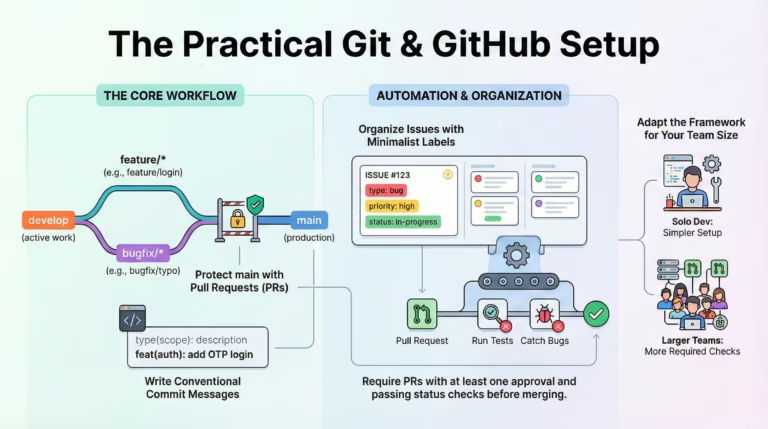
Conventional Commits is a simple format that looks like this:
type(scope): description
Optional longer body explaining what and why,
not how (the code shows how).
Optional footer: Closes #123
Common types: feat, fix, refactor, docs, test, chore, perf.
You don’t need a tool to enforce this. You just need the habit. What it buys you:
Scannable history. feat vs fix vs refactor gives you instant context when reading git log. You can tell at a glance whether a release was mostly new features or mostly fixes.
Automated changelogs. Tools like semantic-release and conventional-changelog parse commit messages to generate release notes automatically. Your commit messages become your release documentation.
Clearer intent in code review. A PR with commits like feat(payment): add Razorpay integration, test(payment): add unit tests for webhook handler, docs(payment): add setup guide tells the reviewer exactly what to expect in each commit.
Real examples:
git commit -m "feat(auth): add OTP login via Fast2SMS"
git commit -m "fix(cart): prevent negative quantity on decrement"
git commit -m "refactor(api): extract HTTP client into service layer"
git commit -m "chore(deps): upgrade Laravel from 10 to 11"
git commit -m "perf(images): lazy load product images on listing page"
These aren’t impressive for their complexity. They’re impressive for their clarity. A new developer joining the team can read three months of history and understand what the product has been doing.
Writing the Commit Body: When and Why
The subject line (the -m part) covers the what. The body covers the why. Most commits don’t need a body. But when context matters — when a decision isn’t obvious, when you’re fixing something counterintuitive, when future-you will need context — the body is where that lives.
git commitThis opens your editor. Write the subject, leave a blank line, then write the body:
fix(payment): retry failed Razorpay webhooks on 5xx errors
Razorpay occasionally returns 503 on their webhook endpoint during
high load. Without retry logic, missed webhooks left orders stuck
in "pending" state with no automated resolution path.
Added exponential backoff (3 retries, 2s/4s/8s delays). If all
retries fail, the webhook is queued for manual review.
Closes #247
Six months from now, the person debugging this code will read that and understand not just what changed, but why. That person is almost certainly you.
The rule of thumb: if you had to explain this change in a code review, write that explanation in the commit body. Future developers deserve the same context your reviewer got.
Interactive Rebase: Cleaning Up Before You Share
Here’s a common situation: you’ve been working on a feature for a day. Your commits look like this:
wip: halfway through auth refactor
fix typo
add missing return statement
actually fix the auth refactor
remove debug logs
This is fine as a work-in-progress history. It’s not fine to merge into main. Before opening a pull request, clean this up with interactive rebase:
git rebase -i HEAD~5This opens an editor showing the last 5 commits:
pick a3f8c9d wip: halfway through auth refactor
pick 1b4e7a2 fix typo
pick c5d2f8a add missing return statement
pick 9d3e1f4 actually fix the auth refactor
pick 7a2b5c8 remove debug logs
Change pick to squash (or s) to fold commits together, reword (or r) to edit a message, drop (or d) to remove a commit entirely:
reword a3f8c9d wip: halfway through auth refactor
squash 1b4e7a2 fix typo
squash c5d2f8a add missing return statement
squash 9d3e1f4 actually fix the auth refactor
squash 7a2b5c8 remove debug logs
Save, close, and Git walks you through editing the final commit message. The result: one clean commit with a proper message, ready to merge.
One rule: only do this on commits you haven’t pushed to a shared branch yet. Rewriting history that others have pulled creates conflicts for them. On your local branch before a PR? Rebase freely. On a branch others are working from? Don’t touch history.
The Commit as a Unit of Communication
Here’s the mindset shift that makes all of this click: a commit isn’t a backup. It’s a message.
When you write git commit -m "fix", you’re not just saving your work. You’re writing a letter to everyone who will ever read this codebase — including yourself at 2am six months from now, trying to understand why this line exists.
The developers who write good commits aren’t the ones who have more time. They’re the ones who’ve experienced the cost of bad commits firsthand and decided it was worth the thirty extra seconds.
It always is.
Quick Reference
# Stage specific file
git add path/to/file
# Stage specific lines interactively
git add -p path/to/file
# See what's staged vs unstaged
git diff           # unstaged changes
git diff --staged  # staged changes
# Commit with just a subject
git commit -m "feat(scope): description"
# Commit with subject + body (opens editor)
git commit
# Clean up last N commits before pushing
git rebase -i HEAD~N
# Amend the most recent commit (message or content)
git commit --amend
# Undo last commit but keep changes staged
git reset --soft HEAD~1
# Undo last commit and unstage changes (keep files)
git reset HEAD~1
Once you understand commits, branching is where your confidence either builds or breaks — Part 3 is why.
← Part 1: How Git Actually Thinks | Next: Part 3 — Branching Without Fear →
If this was useful, I turned the whole series into a 23-page PDF reference — checklists, hook templates, 80+ commands, reflog & bisect deep-dives, and a recovery playbook for 12 real emergencies.



5 Comments