Git Switch vs Checkout: Differences, Examples & Is Checkout Deprecated?

For years, git checkout was the overloaded Swiss-army knife of Git: it switched branches, created branches, restored files, and detached HEAD — all from one command. That overloading is exactly why it confused people and caused accidental data loss. In Git 2.23, the maintainers split it into two focused commands: git switch (for branches) and git restore (for files). git checkout still works, but for everyday use it’s effectively being replaced.
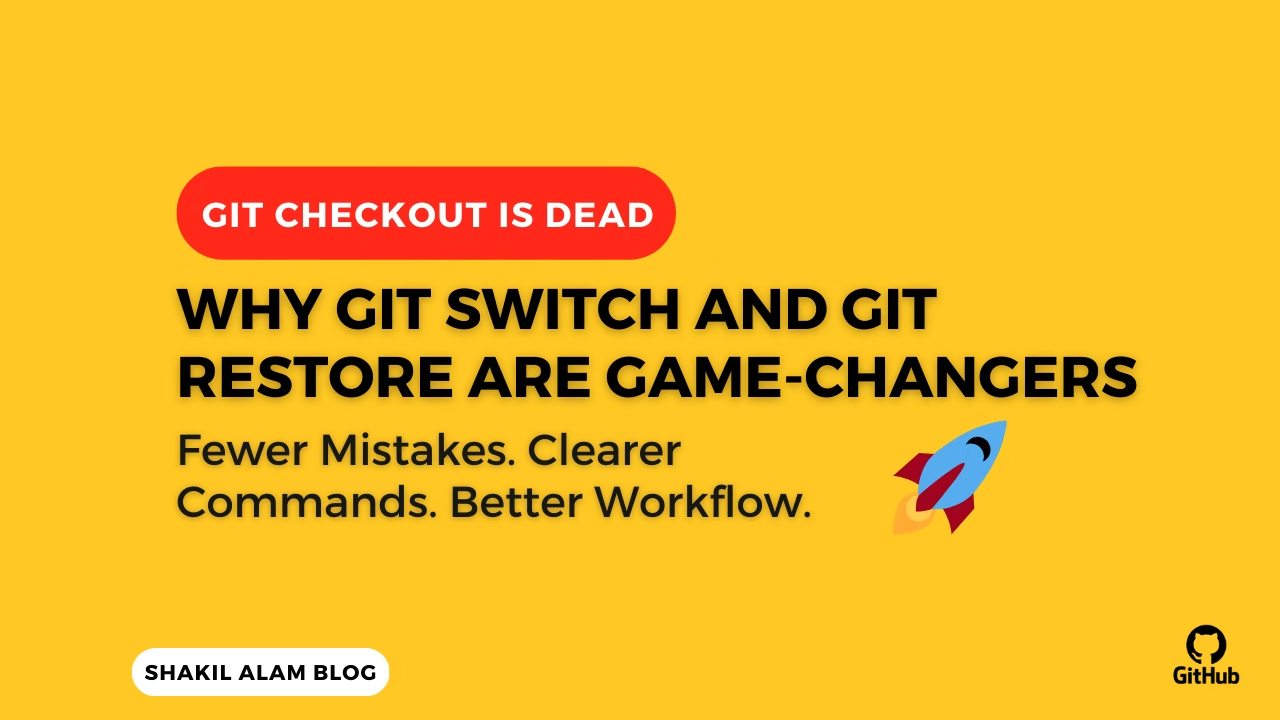
Here’s exactly what changed, when to use each command, and how to update your workflow without breaking your muscle memory all at once.
Quick comparison
| Task | Old (checkout) | New (2.23+) |
|---|---|---|
| Switch to an existing branch | git checkout main | git switch main |
| Create and switch to a branch | git checkout -b feature | git switch -c feature |
| Switch to a remote-tracking branch | git checkout feature | git switch feature |
| Discard changes in a file | git checkout -- file.php | git restore file.php |
| Restore a file from another commit | git checkout abc123 -- file.php | git restore --source abc123 file.php |
| Unstage a file | git reset HEAD file.php | git restore --staged file.php |
| Detach HEAD at a commit | git checkout abc123 | git switch --detach abc123 |
The pattern: switch is for branches, restore is for file contents. checkout did both, which is why it was dangerous.
Why the split happened
The problem with git checkout was ambiguity — both for humans and for Git. Consider:
git checkout main
Did you mean “switch to the branch named main,” or “restore a file named main“? Git had to guess based on what exists. Worse:
git checkout -- config.php
This silently and permanently discards your uncommitted changes to config.php. No confirmation, no undo. Countless developers have lost work to that one command because it looks so similar to switching branches.
Splitting into switch and restore makes intent explicit, which makes the commands safer.
git switch: moving between branches
Switch to an existing branch:
git switch main
Create a new branch and switch to it:
git switch -c feature/login
Switch back to the previous branch (like cd -):
git switch -
If you have a remote branch (origin/feature) not yet checked out locally, git switch feature will create a local tracking branch automatically — same as before, just clearer.
Safety win: git switch refuses to switch if you have uncommitted changes that would be overwritten, and the error message tells you to commit or stash first — instead of guessing.
git restore: working with file contents
Discard local changes to a file (the dangerous old checkout -- file):
git restore config.php
Unstage a file you accidentally git add-ed (the old reset HEAD file):
git restore --staged config.php
Restore a file as it was in a specific commit:
git restore --source=HEAD~2 config.php
Because restore only ever touches files — never branches — there’s no ambiguity about what it’s going to do.
Detached HEAD, made explicit
Checking out a commit (not a branch) detaches HEAD. With checkout this happened implicitly and surprised people. Now it’s opt-in:
git switch --detach abc123
The --detach flag forces you to acknowledge you’re leaving branch-land, which is exactly the kind of “are you sure?” the old command lacked.
Common errors when switching branches
“Your local changes would be overwritten by checkout.” You have uncommitted work. Either commit it, or stash it:
git stash
git switch other-branch
# later...
git switch -
git stash pop
“fatal: invalid reference.” The branch doesn’t exist locally or remotely. Run git fetch first, then git switch.
Accidentally detached HEAD and made commits? Don’t panic — create a branch where you are before switching away:
git switch -c rescue-branch
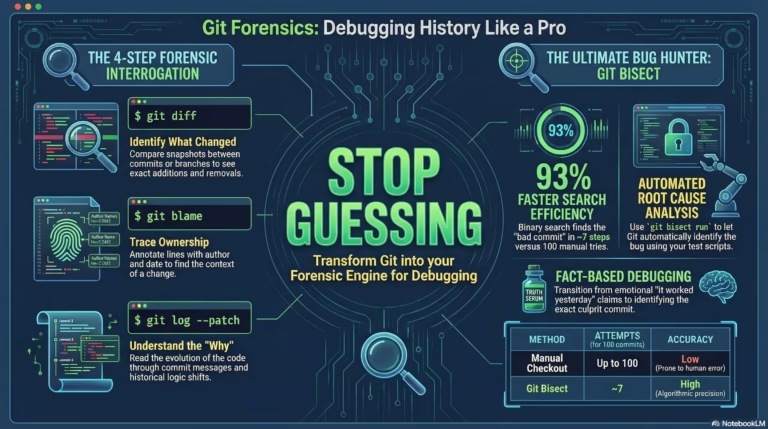
(If you already switched away and lost the reference, see the reflog approach in my Git recovery commands guide.)
Should you stop using git checkout?
Not necessarily — git checkout isn’t deprecated or going away, and it’s still everywhere in tutorials, scripts, and CI. But for interactive, daily use, switch and restore are safer and clearer. A sensible migration:
- Start using
git switchfor all branch changes today (it’s the easy win). - Use
git restorewhen discarding or unstaging files (this is where you avoid data loss). - Keep recognizing
checkoutin scripts and older docs — you don’t need to rewrite everything.
FAQ
Is git checkout deprecated? No. It still works and isn’t scheduled for removal. But switch and restore are the recommended commands for branch-switching and file-restoring respectively since Git 2.23.
Is git switch safe? Yes — safer than checkout. It only operates on branches and refuses to clobber uncommitted changes without telling you.
What Git version do I need? Git 2.23 (released August 2019) or later. Check with git --version.
What’s the difference between git restore and git reset? git restore is scoped to working-tree and staged file contents; git reset also moves branch pointers and can rewrite history. For just un-staging or discarding file edits, restore is the focused, safer tool.
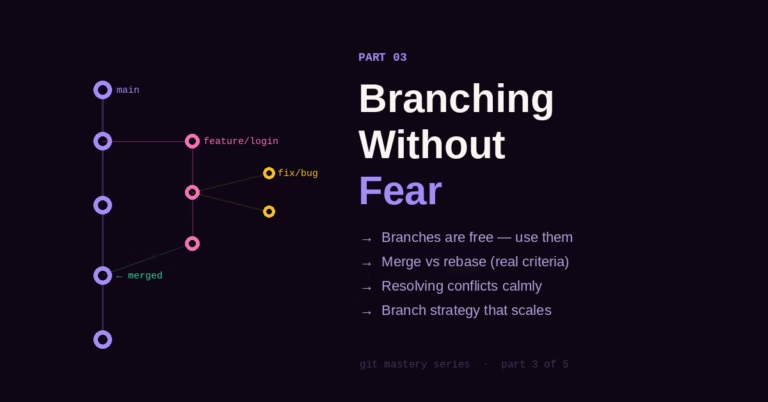
Want the mental model behind all of this? See how Git actually thinks about branches and my Git branching strategy.



2 Comments