How to Send SMS, OTP & DLT Messages in Laravel with Fast2SMS

Quick answer: Install the package with
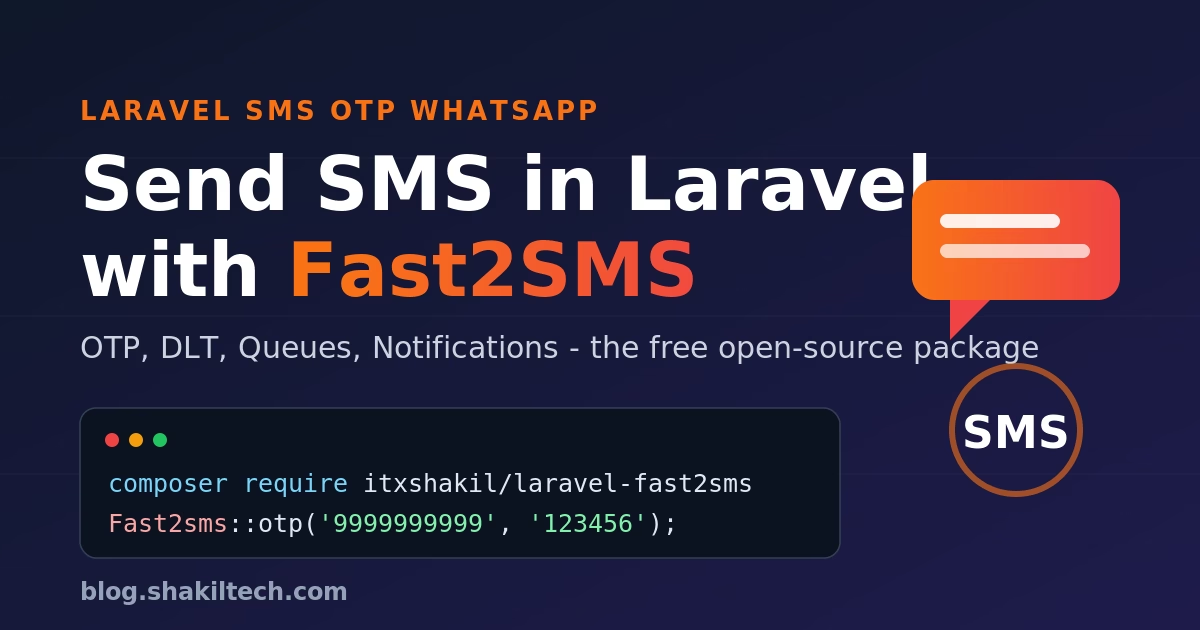
composer require itxshakil/laravel-fast2sms, add yourFAST2SMS_API_KEY, then send an OTP withFast2sms::otp('9999999999', '123456');. Full setup — DLT, queues, WhatsApp, and notifications — is below.
Sending SMS in Laravel usually means wiring up raw cURL calls, juggling the Fast2SMS routes (Quick, DLT, OTP), parsing inconsistent JSON, and rebuilding the same boilerplate in every project. laravel-fast2sms solves exactly that. It’s a free, open-source package that wraps the Fast2SMS API in a clean Laravel-native interface: a facade, a notification channel, typed enums, queue support, and — as of v2.0.0 — full WhatsApp Business API support.
This guide takes you from install to production: sending your first SMS, OTPs, DLT-approved messages, WhatsApp messages, using it as a Laravel Notification channel, queueing for async delivery, and handling errors cleanly.
Table of Contents
What is laravel-fast2sms?
Fast2SMS is a popular Indian SMS gateway. laravel-fast2sms is an open-source wrapper that gives you:
- ✅ A simple
Fast2smsfacade for Quick, DLT, and OTP routes - ✅ SMS and WhatsApp as Laravel Notification channels
- ✅ Unicode/regional-language support via an
SmsLanguageenum - ✅ Queue-friendly sending for high volume
- ✅ A typed exception hierarchy and test fakes for clean code
It’s the package I maintain and use in production, so this guide reflects real usage rather than just the README.
Requirements
- Laravel 10+ (PHP 8.1+)
- A Fast2SMS account with an API key
- For DLT/WhatsApp: an approved Sender ID and DLT templates (required for transactional SMS in India)
Step 1: Install the package
composer require itxshakil/laravel-fast2smsThe package auto-registers its service provider — no manual config needed.
Step 2: Configure Fast2SMS
Publish the config file:
php artisan vendor:publish --tag fast2sms-configThen add your API key to .env (never hardcode it):
FAST2SMS_API_KEY="your-fast2sms-api-key"
FAST2SMS_SENDER_ID="FSTSMS"
FAST2SMS_DEFAULT_ROUTE="dlt"
That’s the whole setup. The published config/fast2sms.php lets you set defaults for sender ID, route, and language so you don’t repeat them on every call.
Step 3: Send your first SMS
The Quick route is the fastest way to send a non-templated message (great for testing and promotional messages):
use Shakil\Fast2sms\Facades\Fast2sms;

Fast2sms::quick('9999999999', 'Hello, this is a Quick SMS!');
Need a regional language? Pass the SmsLanguage enum:
use Shakil\Fast2sms\Enums\SmsLanguage;

Fast2sms::quick(
    '9999999999',
    'नमस्ते! यह एक क्विक एसएमएस है।',
    SmsLanguage::UNICODE
);
Sending OTPs
OTP is its own route on Fast2SMS and the package gives it a one-liner:
Fast2sms::otp('9999999999', '123456');
Generate the code, store a hash of it with an expiry, and send — don’t store the raw OTP.
Sending DLT-approved messages
For transactional SMS in India you must use a DLT-approved template tied to your sender ID:
Fast2sms::dlt(
    senderId: 'YOUR_SENDER_ID',
    message: 'Your order #1042 has been shipped.',
    numbers: '9999999999',
);
Make sure the message text exactly matches a template you registered on the DLT portal, or the gateway will reject it.
WhatsApp Business API (v2)
The headline feature of v2.0.0: send WhatsApp messages through the same facade via Fast2sms::whatsapp(). It supports text, images, and documents:
// Text
Fast2sms::whatsapp()
    ->to('9999999999')
    ->text('Your order has been shipped and is on its way!');

// Image with caption
Fast2sms::whatsapp()
    ->to('9999999999')
    ->image('https://yourapp.com/invoice.png', caption: 'Your invoice for order #1042');

// Document
Fast2sms::whatsapp()
    ->to('9999999999')
    ->document('https://yourapp.com/receipt.pdf', filename: 'receipt.pdf');
WhatsApp also supports templates, locations, reactions, and interactive messages — same fluent style.
Using it as a Laravel Notification channel
This is the cleanest way to use the package in a real app: define a Notification once and let Laravel route it over SMS and/or WhatsApp.
use Illuminate\Notifications\Notification;
use Shakil\Fast2sms\Channels\SmsChannel;
use Shakil\Fast2sms\Channels\WhatsAppChannel;
use Shakil\Fast2sms\Messages\SmsMessage;
use Shakil\Fast2sms\Messages\WhatsAppMessage;

class OrderShipped extends Notification
{
    public function via($notifiable): array
    {
        return [SmsChannel::class, WhatsAppChannel::class];
    }

    public function toFast2sms($notifiable): SmsMessage
    {
        return (new SmsMessage)
            ->content("Your order #{$this->order->id} has shipped.");
    }

    public function toWhatsApp($notifiable): WhatsAppMessage
    {
        return (new WhatsAppMessage)
            ->text("Your order #{$this->order->id} has shipped. 🚚");
    }
}
Make sure your notifiable (e.g. the User model) exposes a phone number via routeNotificationForFast2sms():
public function routeNotificationForFast2sms(): string
{
    return $this->phone;
}
Then just:
$user->notify(new OrderShipped($order));
Sending SMS on a queue
SMS calls hit an external API, so never send them inline in a web request. Queue them. Notifications support this out of the box — implement ShouldQueue:
use Illuminate\Contracts\Queue\ShouldQueue;

class OrderShipped extends Notification implements ShouldQueue
{
    use Queueable;
    // ...
}
Now $user->notify(...) returns instantly and the SMS goes out via your queue worker. Run a worker (php artisan queue:work) under Supervisor or Horizon in production.
Error handling
The package throws typed exceptions so you can react precisely instead of parsing strings:
use Shakil\Fast2sms\Exceptions\Fast2smsException;

try {
    Fast2sms::quick('9999999999', 'Hello!');
} catch (Fast2smsException $e) {
    report($e);              // log it
    // show the user a friendly message, retry later, etc.
}
Common causes: invalid/expired API key, insufficient wallet balance, an unapproved DLT template, or an invalid number. Catch, log, and fail gracefully — especially inside queued jobs where you can let the job retry.
Testing with fakes
You don’t want real SMS firing in your test suite. Use the built-in fake and assert what would have been sent:
use Shakil\Fast2sms\Facades\Fast2sms;

Fast2sms::fake();

// ... run the code that sends an SMS ...

Fast2sms::assertSent(fn ($message) =>
    $message->to === '9999999999'
);
This keeps your tests fast, deterministic, and free.
FAQ
Is laravel-fast2sms free? Yes — it’s open-source and free to use. You only pay Fast2SMS for the messages you send.
How do I send an OTP in Laravel? Install the package, then call Fast2sms::otp('9999999999', '123456');. Generate and store a hashed OTP with an expiry before sending.
What’s the difference between Quick and DLT routes? Quick is for non-templated/promotional messages; DLT is required for transactional SMS in India and must match a pre-approved template tied to your sender ID.
Can I send WhatsApp messages? Yes, from v2.0.0 via Fast2sms::whatsapp() — text, images, documents, templates, and interactive messages through the Fast2SMS WhatsApp Business API.
How do I send SMS asynchronously? Use it as a queued Notification (implements ShouldQueue) so sends happen on a worker instead of in the request.
Maintaining this package and using it in production apps means this guide stays current with the real API. Found a bug or want a feature? Open an issue on GitHub.